

Introduction
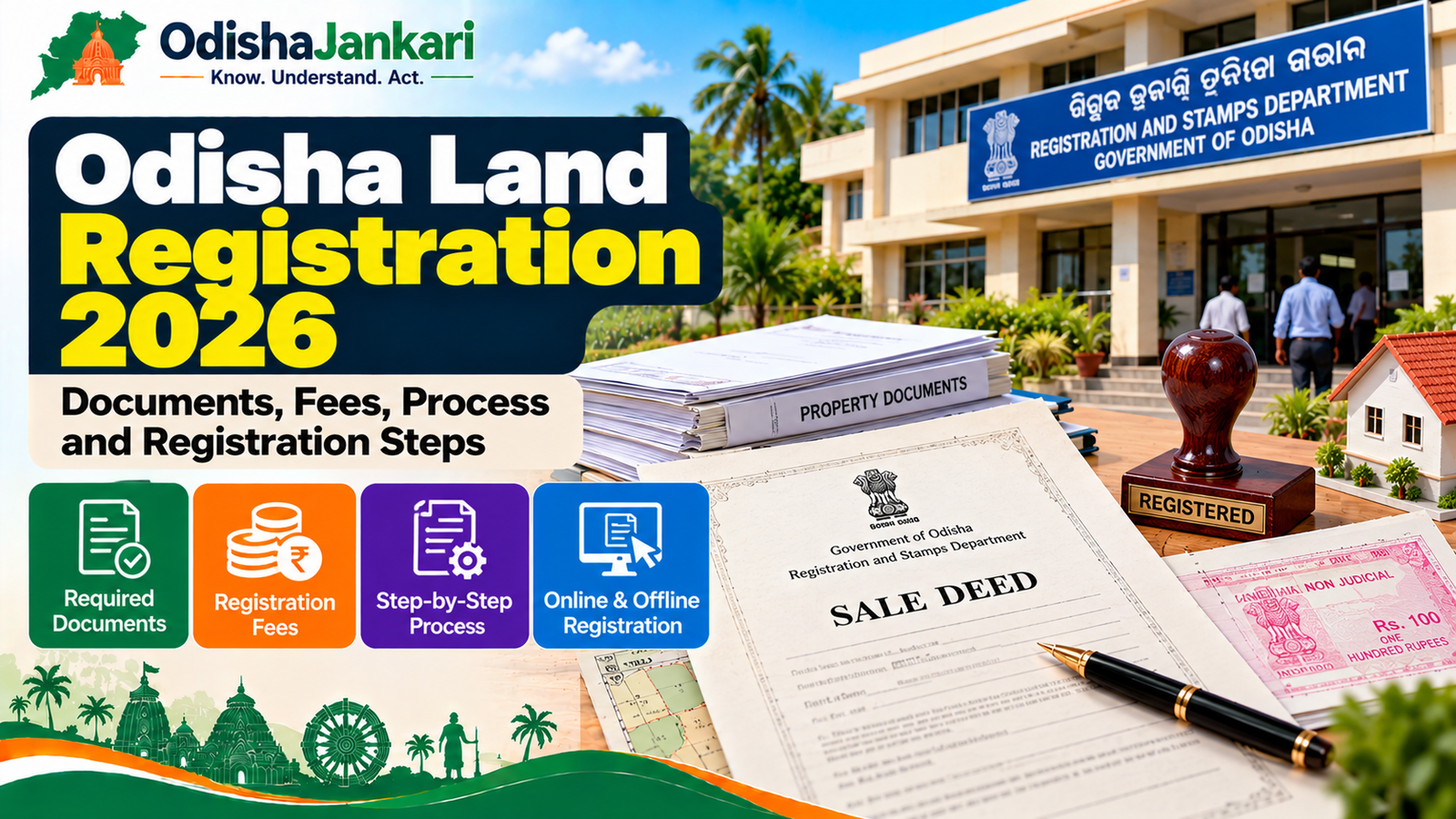
Buying and transferring a property in Odisha involves multiple steps. You also need to complete the registration process with the appropriate registration portal, which is IGR Odisha. The Odisha land registration process now includes online deed preparation, fee calculation, appointment, and application tracking online. Here, you will learn about required documents, registration cost, steps to apply online, and other necessary approaches.
1. What is land/property registration?
Land/property registration refers to officially recording the property transaction with the registered officer. The registration process preserves a copy of the registered document. In Odisha, IGR offers an online facility for preparing and submitting eligible property deeds. In addition, the portal also allows applicants to check property records, generate an EC certificate, calculate fees, and choose a date for presentation. However, before application submission, you must check the property details carefully.
2. Documents required
The required documents can vary based on the deed type and property transaction. However, the official IGR Odisha online services require some important documents for registration, such as–
| Document | Requirement |
| True copy of the document to be registered | Required |
| Property ownership documents | Required |
| Valid photo ID | Required for executants, claimants and identifier |
| Passport-size photographs | 3 coloured photographs of each executant and claimant |
| PAN card | Required for executants and claimants where the document value exceeds ₹10 lakh (Form 60 if there is no PAN) |
| Encumbrance Certificate | Required from the date the current RoR was published (Settlement/Consolidation) up to the date of execution |
| Form A declaration | Required when the property has no building or structure |
| Form B declaration | Required when a house or structure exists |
| Registered Power of Attorney | Required when an attorney holder registers the document |
| Required permission/NOC | Revenue Officer’s permission when an SC/ST person sells to a non-SC/ST person; Endowments NOC for deity property |
3. Pre-registration checks
Before you apply for Odisha land registration, complete a few necessary checks. Additionally, these checks can help you avoid unnecessary delays caused by basic mistakes. Some common points are-
- Verify land records- Verify the land’s available RoR and other details. The IGR online registration system offers access to the Bhulekh application to check RoR details during online deed submission. Check details such as plot number, Khata details, area, land description, and ownership details.
- Check EC certificate and property valuation- The IGR portal also allows an option to generate an online EC while processing the online deed submission. Additionally, you must check the applicable benchmark value before calculating the fee for registration. You can take help from the registration & stamp duty calculator available in the IGR portal.
- Verify the deed details- Finally, review the parties’ names, property description, plot details, and other information. Verify these details before submitting the application.
4. Applicable charges
The registration fee depends on the type of document. Therefore, don’t assume the same fee for every property transaction. In addition, for an immovable property sale deed, the IGR portal lists 5% for stamp duty and 2% for the registration fee.
Additionally, the official portal states that stamp duty can vary based on the nature of the document. However, when a woman buys land or a house through a sale deed or receives it through a gift deed, stamp duty is 4%.
5. Step-by-step registration
You can complete the Odisha land registration process online in 2026. However, the concerned parties still have to appear before the registering officer when necessary.
- First, visit the official IGR Odisha site and select the online document submission option.
- Create your user ID and password, and then log in using the necessary details to get access.
- Select the New Application button, and then submit the deed and sub-deed details.
- Next, add the details of the seller or first party, and the buyer or second party. In addition, you can add details of the consenter, identifier, and witness.
- Now enter the necessary property information, and you will get the final cost of stamp duty and registration fee on the screen automatically.
- Review the details before submission. However, you can choose a maximum of 3 presentation dates. In addition, the concerned authority will then confirm your appointment and approve the draft deed.
- Book an online slot on the IGR portal (Online Slot Booking for Deed) for the day you will present the deed. IGR says a deed is not accepted for registration without a slot ticket. The slot fee is ₹300 per document and is not refunded if you do not present the deed. Slots can be booked up to 7 working days in advance.
- After approval, pay the stamp duty, registration fee and EC fee online through the Odisha Treasury payment gateway. Stamp duty can also be paid by e-stamping, franking or non-judicial stamp paper.
- Visit the registration office on the confirmed date. In addition, both parties should appear before the registering officer with the necessary documents.
- After the registration officer completes the checks, biometrics and endorsement, the deed is registered. You can collect it at the office or download it from the IGR portal through Track Application Status. The link also comes by SMS.
- According to the IGR portal, a document can be presented for registration within 4 months from the date of execution. After that, it can be presented within another 4 months only with the District Registrar’s permission and a penalty of up to 10 times the registration fee.
6. Role of Sub-Registrar Office
Before registration, the Sub-Registrar Office confirms the deed, parties, property facts, and other paperwork. Additionally, the Sub-Registrar is in charge of scanning, document validation, fee payment, and biometric verification. After registration, the office sends Form-3 to the relevant Tahasil office. The Tahasil then starts the mutation case and updates the Record of Rights (RoR).
7. After registration: mutation/record updates
After the deed is registered, the registration office sends Form-3 to the relevant Tahasil office for mutation. Additionally, this initiates the update of the Record of Rights (RoR). The buyer should monitor the status of the mutations and review the most recent land records. However, for more help, get in touch with the relevant Tahasil office if a problem arises.
Buying a flat? Read our guide on apartment registration in Odisha.
8. Common mistakes
Small mistakes can create big issues during property registration. Therefore, we have mentioned a few points to consider before submission, such as:
- Verify the khata details, plot number, and property details.
- Keep the relevant ownership documents ready.
- Check the EC, and calculate the fee with IGR’s Registration & Stamp Duty Calculator using the benchmark value.
- Check the confirmed appointment date, and both parties must reach the registration office.
- Carry the necessary identity proof and photographs of all parties.
- Check the application status frequently.
- Registration and mutation are different, so don’t assume registration completes mutation.
Department: IGR Odisha
Official Portal: IGR Odisha
Information Verified: October 2026

Not sure which Odisha service you need?
Ask OdishaJankari: Describe your land record, certificate, scheme, or grievance issue.
🔒 Powered by verified OdishaJankari guidelines & official government notifications. No personal data collected.
Related Guides & Services
 Land & Property
Odisha e-Pauti 2026: How to Pay Land Revenue Online and Download Rent Receipt
Step-by-step guide to paying land revenue (khajana) online on Odisha e-Pauti in 2026: what details you need, how…
 Land & Property
Odisha Land Partition 2026: Documents, Process, Fees and How to Apply
Odisha land partition 2026: apply online under OLR Sec 19(1)(c), documents, official fees (₹10 + per co-sharer), 2%…