
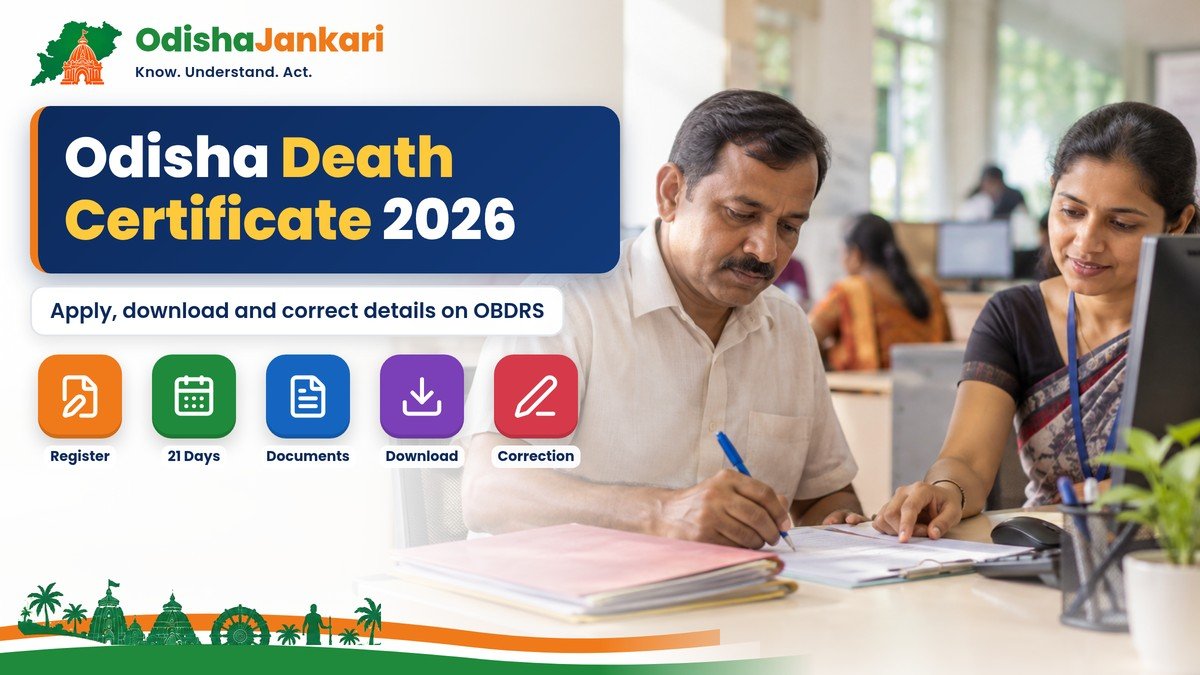
An Odisha death certificate is a permanent legal document from the Odisha authorities. It lists the date of death, place of death, and cause of death. Death registration is required by law. With OBDRS, eligible people can register a death certificate, check the application status, download copies, and request changes.
This guide explains the step-by-step procedure to obtain an Odisha death certificate for 2026 and explains the procedure to request corrections in certificates and downloads. If you also need to register a birth, see our Odisha birth certificate guide.
Quick Answer
- Death certificates are issued through the Odisha Birth and Death Registration portal (OBDRS) once the death is registered.
- Register the death within 21 days; registration in this period is free.
- Keep the registration number, institutional request number or registered mobile number ready to apply or download.
- Processing takes a maximum of 7 days (ORTPS time limit stated on the portal).
- Wrong details? Use Registration Correction under Online Death Services.
Why it is required
An Odisha death certificate is a legal document that confirms a person’s death in Odisha.
You may need it for several purposes, including:
- Legal record: Updating government and tax paperwork
- Property and inheritance: Handling property and inheritance, including land and other assets
- Insurance and benefits: Filing claims for insurance, pensions, PF, and other benefits you may qualify for
- Mandatory Registration: Registering the death with the right local office, usually within 21 days
- Statistics: Helping with mortality data used by the government and for public health planning
Who can report
In Odisha, a death can be reported and recorded by different people, depending on where the person died.
- If the death happens at home, the head of the family, the guardian, or another responsible family member should report it.
- If the death happens in a hospital, the medical officer or person in charge should report it.
- If someone finds the body in a deserted or abandoned area, the village headman or the officer in charge of the nearest police station can report the death and register it.
Documents
You need certain documents and details to get a death certificate in Odisha.
Application form
- Submit a completed and signed death registration form.
- Include correct details for the person who died and for the applicant.
Death proof
- If the death happened in a hospital or other medical place, submit the hospital death slip or a death certificate.
- If you are registering the death after 21 days, add an affidavit; the portal asks for one in late cases.
- The affidavit should explain the reason for the delay.
Identity and address proof
- Submit proof of identity and address for the deceased. Examples include a copy of a ration card or an ID card.
- Also submit the applicant’s valid ID proof. Include a working contact number for the applicant.
Photo
- A passport-sized picture of the deceased, if the local municipal office asks for it.
Registration or reference number
- Use the institutional request number, or the mobile number, or the first registration or acknowledgment number. This is for cases where the event was pre-reported.
Registration/application
You can register and apply for a death certificate online through the official Birth and Death Odisha Portal.
- Visit the portal: Open the Portal for Odisha Birth and Death Registration.
- Navigate to the services: Open Citizen Services. Under Online Death Services, choose Apply Certificate. For a death at home that is not yet registered, the portal also has Domiciliary Registration.
- Provide reference details: Use your registration number, institutional request number, or your registered mobile number. Also add the date of death.
- Select details for location: Select your District and your Registration Unit from the dropdown list.
- Fill and upload: Complete the application form. Then upload the required supporting documents.
- Submit and track: Submit the form and write down the acknowledgment or application number. You can use it later to check the status or download the certificate online.
Obtain a copy
You can download or obtain an Odisha death certificate online through the Official Birth and Death Odisha Portal.
- Visit the Portal: go to the Birth and Death Odisha website.
- Select service: Under Online Death Services, choose “Check Application Status” or “Download Certificate”.
- Enter the details asked for: Use your Registration Number, Application Number, or Institutional Request Number. Also add the Date of Death (DOD) or your registered mobile number.
- Check and download: After it is verified, you can view the status and download the digital death certificate to your device.
Late Registration Rules
In Odisha, if a death is registered more than 21 days after it happened, it is treated as late. Registration within 21 days is free. What you need after that depends on how long the delay is.
You can apply online or check the details on the Birth and Death Odisha Portal.
- Within 21 days: Free registration.
- 21 to 30 days: The death can be registered on payment of the late fee.
- 30 days to 1 year: Written permission of the District Registrar, the late fee, and a self-attested document (Registration of Births and Deaths (Amendment) Act, 2023).
- 1 to 2 years: An order of the District Magistrate, Sub-Divisional Magistrate or an Executive Magistrate authorised by the District Magistrate.
- More than 2 years: An order of a Judicial Magistrate of the First Class.
Note: The rules for delays of more than one year changed under the Registration of Births and Deaths (Amendment) Act, 2026 (Act 12 of 2026), which came into force on 1 October 2026 (Gazette notification S.O. 5081(E)). For late cases, the portal also asks for an affidavit stating the reason for the delay and proof of the event.
Correction
You can correct details on a death certificate in Odisha online through the Birth and Death Odisha Portal by navigating to the “Registration Correction” section.
- Go to the official Birth and Death Odisha site.
- Find Citizen Services, then look for Registration Correction for death records.
- Enter your current Application Number or Registration Number to pull up the record.
- Fill out the correction form and type only the correct details.
- Upload proof to support the changes. You can use documents like Aadhaar, Voter ID, hospital documents, or an affidavit.
- Submit the form and save the generated Acknowledgement / Reference Number to track your status.
Common problems
- Late registration: If a death is registered after 21 days, extra charges or steps may be required. This depends on how long it was delayed.
- “Back to citizen” status: If the papers are unclear or the details do not match, the request can be sent back. You may have to fix the issues and submit again.
- No registration number: For deaths in a hospital, you may need the hospital reference number. You may also need the registration reference to continue.
- Document problems: If supporting documents are wrong or missing, checking can take longer. In some cases, the application may be refused.
- Portal troubles: If you cannot log in, the session ends early, or the site has a temporary fault, you may not finish the online steps.
Official Links and Helplines
| What | Official detail |
| Apply, check status, download, correction | OBDRS Citizen Services |
| OBDRS Central Helpdesk | +91 7064224290, +91 8260016906, +91 8984289770 (10 AM–6 PM, except Sundays and holidays) |
| Helpdesk email | obdrs.helpdesk@odisha.gov.in |
| Offline | Your registration unit: CHC (rural areas) or Urban Local Body (towns and cities) |
After the death certificate, families often need a legal heir certificate for property, bank and pension work.
Disclaimer: OdishaJankari is an independent information website and is not affiliated with the Government of Odisha or the Health and Family Welfare Department. Information is based on official sources available in November 2026. Rules, amounts and dates can change, so always confirm on the official website before applying.
Department: Health and Family Welfare Department, Government of Odisha
Official Portal: Odisha Birth and Death Registration System (OBDRS)
Information Verified: 2 November 2026
Frequently Asked Questions (FAQs)
Yes, registering a death within 21 days is free. After 21 days a late fee applies, and longer delays need permission or an order.
The maximum time is 7 days under the ORTPS time limit stated on the Odisha Birth and Death Registration portal.
For a delay of 1 to 2 years you need an order of the District Magistrate, Sub-Divisional Magistrate or an Executive Magistrate authorised by the DM. After 2 years an order of a Judicial Magistrate of the First Class is needed (rules in force from 1 October 2026).
On the OBDRS portal open Citizen Services, choose Registration Correction under Online Death Services, enter your application or registration number, fill in the correct details and upload supporting proof.
Contact the OBDRS Central Helpdesk at +91 7064224290, +91 8260016906 or +91 8984289770 (10 AM to 6 PM, except Sundays and holidays), email obdrs.helpdesk@odisha.gov.in, or visit your registration unit.

Not sure which Odisha service you need?
Ask OdishaJankari: Describe your land record, certificate, scheme, or grievance issue.
🔒 Powered by verified OdishaJankari guidelines & official government notifications. No personal data collected.
Related Guides & Services
 Certificates & Government Services
Odisha Legal Heir Certificate 2026: Eligibility, Documents, Process and Application
How to apply for an Odisha legal heir certificate on e-District in 2026: who can apply, documents (death…
 Certificates & Government Services
Odisha Birth Certificate 2026: How to Apply, Download and Correct Details
How to apply for an Odisha birth certificate on the official OBDRS portal in 2026, download it after…