
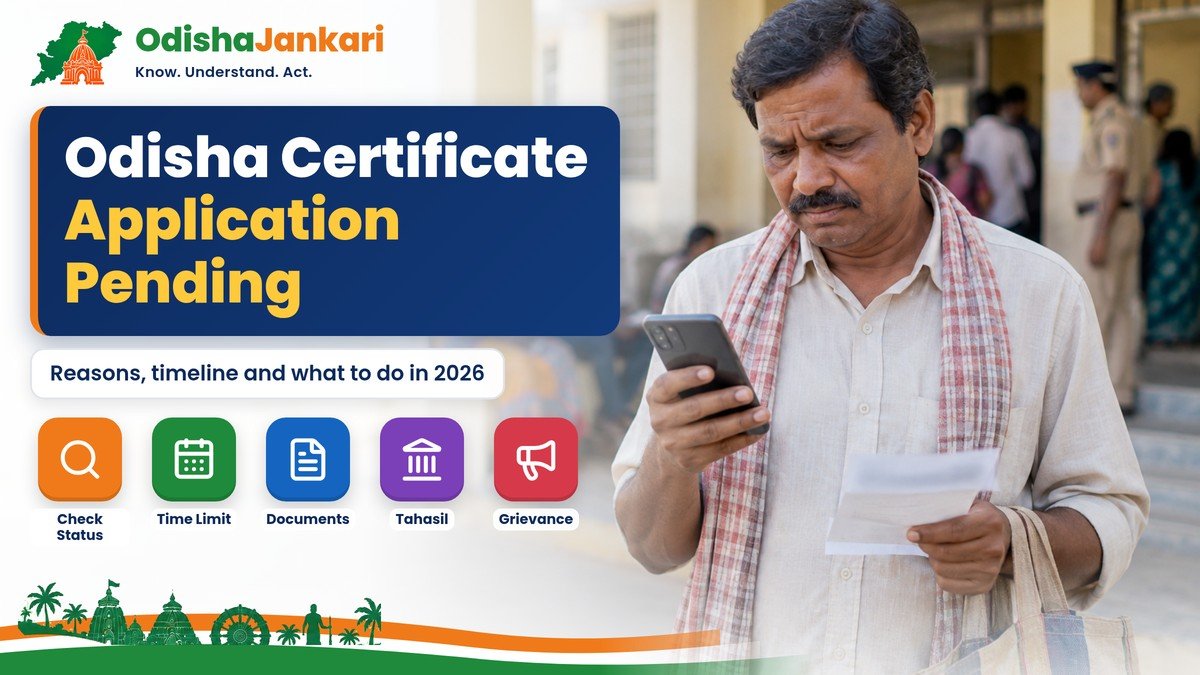
If your Odisha certificate application is pending, it indicates that your application has not yet been reviewed. A pending status does not mean it has not been accepted or rejected.
The Revenue and Disaster Management Department provides certain services through the Odisha e-District portal. Citizens can utilize these services online or at a common service center (CSC). They can track the status of their applications on the Odisha e-District portal.
Quick Answer
- Pending means your application is still under review; it has not been approved or rejected yet.
- Keep your application reference number (on the acknowledgement slip) ready.
- Check status on the Odisha e-District portal (edistrict.odisha.gov.in) with “Check Your Application Status”.
- Official time limits: resident and income certificates 10 days; SC/ST/OBC/SEBC 15; legal heir and guardianship 30.
- Still pending after the time limit? Contact the Tahasil office, call 1800-121-8242, or file a grievance.
Pending vs Rejected
A pending certificate application in Odisha means that your form is still under review. A rejected application means that it has been officially denied and will not be processed further.
| Pending status | Rejected status | |
| What it means | Your documents and application have been received by the Tahasildar or processing authority and are waiting for verification. | The authority reviewed your file and found errors, invalid proofs, or missing eligibility criteria, stopping the process completely. |
| What you do | No action is usually required unless the officer asks for missing or corrected documents. | You cannot download a certificate; you must read the rejection reason and submit a fresh application with correct documents. |
| What happens next | It will eventually change to approved or rejected once reviewed. | The file is closed. |
If your status already shows rejected, read our guide on what to do if an Odisha certificate application is rejected.
Why a Certificate Application Stays Pending
An Odisha certificate application remains pending because of a high volume of applications, incomplete documents, and the local revenue officer needing to verify documents.
- Document Verification Postponement: The concerned RI or certifying authority has not yet physically or digitally verified your attached proofs.
- Missing or Blurry Attachments: Uploaded documents may be incorrect or missing mandatory annexures required for services like eDistrict Odisha.
- Backlog and Processing Time: Standard processing windows, such as 10 days for resident or income certificates and 15 for caste certificates, can stretch during peak application periods like college admissions.
- Portal Migration Issues: Recent system updates or transitions to unified portals can temporarily slow down individual file movements.
How to Check the Status Online
You can check your Odisha certificate application status online on the Odisha e-District portal, which runs on the ServicePlus platform of NIC.
- Visit the official Odisha e-District portal (edistrict.odisha.gov.in).
- Click on the “Check Your Application Status” button on the home page.
- Enter your Application Reference Number and the other details the page asks for.
- Otherwise, log in to your account and go to View Status of Application, then Track Application Status.
- Submit the details to view the current progress or download your digitally signed certificate if approved.
Verification Stages
After you submit, your application is checked by the office that issues the certificate (for revenue certificates like resident, income and caste, this is the Tahasil office). The officers verify your details and documents, and the competent authority then approves or rejects the application. The current stage is shown when you track your application on the e-District portal.
What You Can Do
Check the status of your application on the e-District Odisha portal and visit your nearest Tahsil office, if needed.
Steps to take for the pending application:
- Check Application Status: You have to check the status of your pending application yourself, using the e-District Odisha portal.
- Check Uploaded Documents: See if the documents uploaded by you are legible, relevant, and correct.
- Contact the Department: Contact the concerned officer of the revenue department if verification of your case is delayed.
- Take Next Step: Approach the appropriate Authority if there is no development on your case after the stipulated time period for processing your case.
When to Follow Up
You should follow up on a pending certificate application on the eDistrict Odisha Portal after the standard processing time of 10 to 30 days has passed, depending on the specific certificate type.
| Certificate | Official time limit (ORTPS) |
| Resident certificate | 10 days |
| Income certificate | 10 days |
| Income and Asset (EWS) certificate | 10 days |
| SC, ST, OBC and SEBC certificates | 15 days |
| Legal heir certificate | 30 days |
| Guardianship certificate | 30 days (excluding time taken to settle objections) |
For income certificates, our Odisha income certificate guide lists the documents that most often hold up an application.
Filing a Grievance
If your certificate application such as Caste, Income, Residence, Solvency, or Legal Heir is pending past its official ORTPS time limit on the eDistrict Odisha Portal, you can file an official grievance through the state’s unified grievance resolution systems.
Already filed a complaint? See how to check grievance status in Odisha.
Keep These Details Ready
Before tracking or modifying your pending request, keep these application details accessible:
- Application Reference Number: Found on your acknowledgement slip generated at submission.
- Registered Mobile Number & Email ID: Required to receive SMS status alerts and validate changes via OTP.
Official Links and Helplines
| What | Official detail |
| Apply / track status | Odisha e-District portal (edistrict.odisha.gov.in) |
| Time limits | R&DM Certificate Services page |
| e-Certificate help (R&DM) | Toll free 1800-121-8242; email ecertificate.rdm@odisha.gov.in |
| Sanjog Helpline | 155335 |
Disclaimer: OdishaJankari is an independent information website and is not affiliated with the Government of Odisha or the Revenue and Disaster Management Department. Information is based on official sources available in November 2026. Rules, amounts and dates can change, so always confirm on the official website before applying.
Department: Revenue & Disaster Management Department, Government of Odisha
Official Portal: Odisha e-District portal
Information Verified: 2 November 2026
Frequently Asked Questions (FAQs)
This means your application is still under process/verification/approval, and a final decision has not been taken.
You can track your application or apply online for a certificate through the e-District website.
Processing time varies by certificate type. Check the official e-District portal for the applicable service timeline before following up.
Ensure that you do not have any errors in the application number or status. If the problem persists, approach the concerned e-District or revenue office.
Approach the concerned revenue office, e-District office, or use the grievance redressal forum.

Not sure which Odisha service you need?
Ask OdishaJankari: Describe your land record, certificate, scheme, or grievance issue.
🔒 Powered by verified OdishaJankari guidelines & official government notifications. No personal data collected.
Related Guides & Services
 Problems & Solutions
Is there a government assistant professor recruitment in Odisha in 2026?
Is there an Assistant Professor recruitment in Odisha in 2026? Status of OPSC Stage-I (385 posts), medical and…
 Problems & Solutions
Is a Bhulekh RoR printout valid as a certified copy in Odisha?
A Bhulekh RoR printout is for information and is not signed by any officer. Where a certified copy…