

Introduction
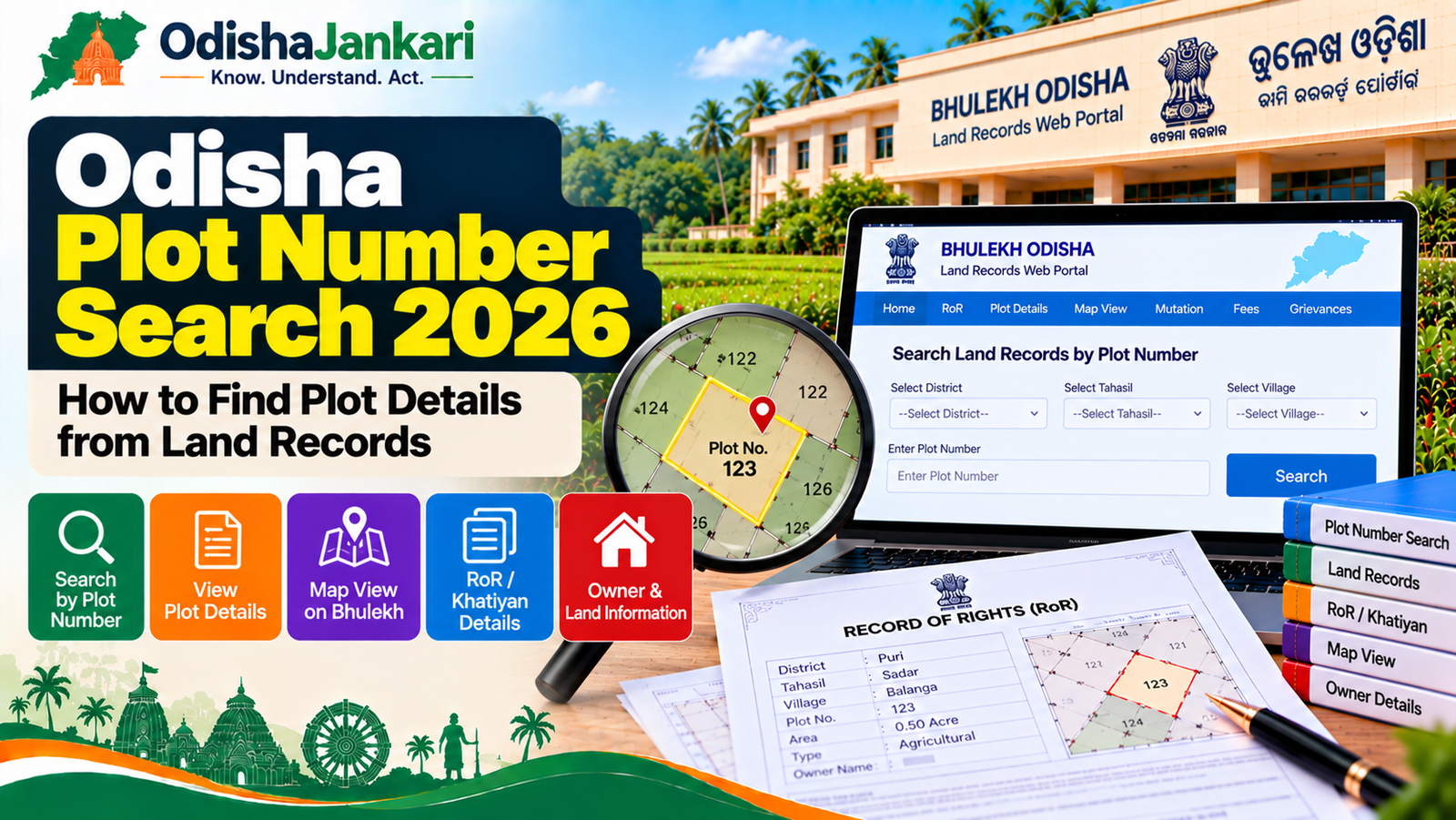
Finding land details in Odisha often gets confusing when you have a plot number but lack official Record of Rights (RoR/Khatian) details. Under the state’s digital land governance systems, mostly Bhulekh Odisha and Bhu Naksha Odisha, land owners, land buyers and researchers can search plot numbers, check land classification, land owners’ information and plot boundaries online at a go. These step-by-step instructions guide you on Odisha plot number search online and from the various records found on the spatial maps, verifying ownership before a property transaction, and problem-solving when no online records exist.
1. What is a plot number?
A specific Mouza (revenue village) in the land records of Odisha assigns a Plot Number (also known as Plot No or Dag No) as a numerical identifier to a particular plot of land.
| Land Term | Odisha Local Term | What It Means |
| Plot Number | Plot No. / Dag No. | A specific identifier to a land unit within a village boundary. |
| Khatiyan Number | Khatian No. | Grouping of account/holding numbers that are associated with one owner/tenant family. |
| Village Name | Mouza | Village administrative revenue unit is the main administrative revenue unit. |
| Sub-district Unit | Tahasil | The administrative authority with the responsibility to keep documents of revenue. |
| Land Classification | Kissam | Type of land (such as Gharabari for residences and Sharada for agriculture). |
2. How plot numbers appear in records
The authorities have maintained the Record of Rights (RoR) under the record of numbers plotted in Odisha. In Bhulekh Odisha, users can see the details of a RoR in the Front Page (Khatian details) and Back Page (Plot & Tenant details) in Odisha online services.
- In RoR: Plots are displayed along with the allotted plot size (Acres and Decimals, e.g., 0.500 Dec = half acre).
- Kissam Categorisation: Plot number and the land category (Kissam) are indicated clearly. As an example, the local names Gharabari (homestead), Jala (irrigated farmland), or Patit (barren land).
- Joint Ownership: In case multiple parties hold the ownership of a single plot number, the RoR indicates the percentage share or joint account holders under the same Khatian.
3. Step-by-step search
Follow these steps to search and view land records by plot number online:
1. Select Administrative Location:
Go to the official Bhulekh Odisha Portal. Click on the District, Tahasil, Registration Office (RI Circle) and Village (Mouza) drop-down menus.
2. Choose Search Mode:
On the page, hover over Plot Option to click on the search menu. Search by Tenant Name or Khatiyan (if plot number is not known).
3. Select Plot Number:
Select the Plot Number you are searching for from the pull-down list or type it in the search box.
4. View Record of Rights (RoR):
To see the detailed ownership, plot area, land classification (Kissam) and encumbrance status, click on RoR Front Page or RoR Back Page.
4. Owner, area and land type details
After opening the RoR on your screen, check the following three important parameters:
- Khata & Tenant Details (Khatadar Name): This provides details of the registered owner(s), the Father’s/Husband’s name, and the Address.
- Plot Area (Kalambandi Area): Very clearly in Acres and Decimals.
Conversion Tip: 1 Acre = 100 Decimals = 43,560 sq. ft.
- Land Classification (Kissam): Must be consulted for usage rights.
Note: Section 8A of the OLR Act provides the formal land conversion process (Kisam Paribarthan) before anyone makes any residential structure on the agricultural land (Sharada, Jala).
5. Using plot details with Bhu Naksha
To see where your plot is located and a map of the area:
- Go to the Bhu Naksha Odisha Portal.
- Click the District, Tahasil, RI Circle and Mouza.
- Find your plot on the village map layout or type in the Plot Number in the search bar.
- Click on the plot layout to get the Plot Info window, which cross-references the map boundary with the Bhulekh RoR details.
6. Multiple plots and matching records
Multiple plot numbers across a village are usually allocated to a single owner/khatian.
- Aggregated Search: When searching by Khatiyan Number, it shows a detailed list of all the plot numbers registered in that account.
- Discrepancy Check: If the physical possession boundary does not coincide with the size shown on Bhu Naksha, then apply for the demarcation of the boundary at the local Tahasil Office on the form No. 25.
7. Verification before a transaction
Important Legal Note: Online information about Bhulekh Odisha has been provided for public reference and immediate verification. It is not a substitute for a legalised copy for property registration, banks or court actions.
Before purchasing land or creating property registration in Odisha:
- Get Certified Copy: Get a Certified copy of RoR from the concerned Tahasil office or from the e-District Odisha portal.
- Check Encumbrance: Check with the Sub-Registrar Office (SRO) whether the plot has any registered mortgages or disputes.
- Check for Kisam Status: Check if the plot is Abada Jogya Anabadi (government land) or restricted tribal land (Section 22 OLR Act restrictions).
Department: Government of Odisha
Official Portal: Bhulekh Odisha
Information Verified: October 2026

Not sure which Odisha service you need?
Ask OdishaJankari: Describe your land record, certificate, scheme, or grievance issue.
🔒 Powered by verified OdishaJankari guidelines & official government notifications. No personal data collected.
Related Guides & Services
 Land & Property
Odisha e-Pauti 2026: How to Pay Land Revenue Online and Download Rent Receipt
Step-by-step guide to paying land revenue (khajana) online on Odisha e-Pauti in 2026: what details you need, how…
 Land & Property
Odisha Land Partition 2026: Documents, Process, Fees and How to Apply
Odisha land partition 2026: apply online under OLR Sec 19(1)(c), documents, official fees (₹10 + per co-sharer), 2%…