

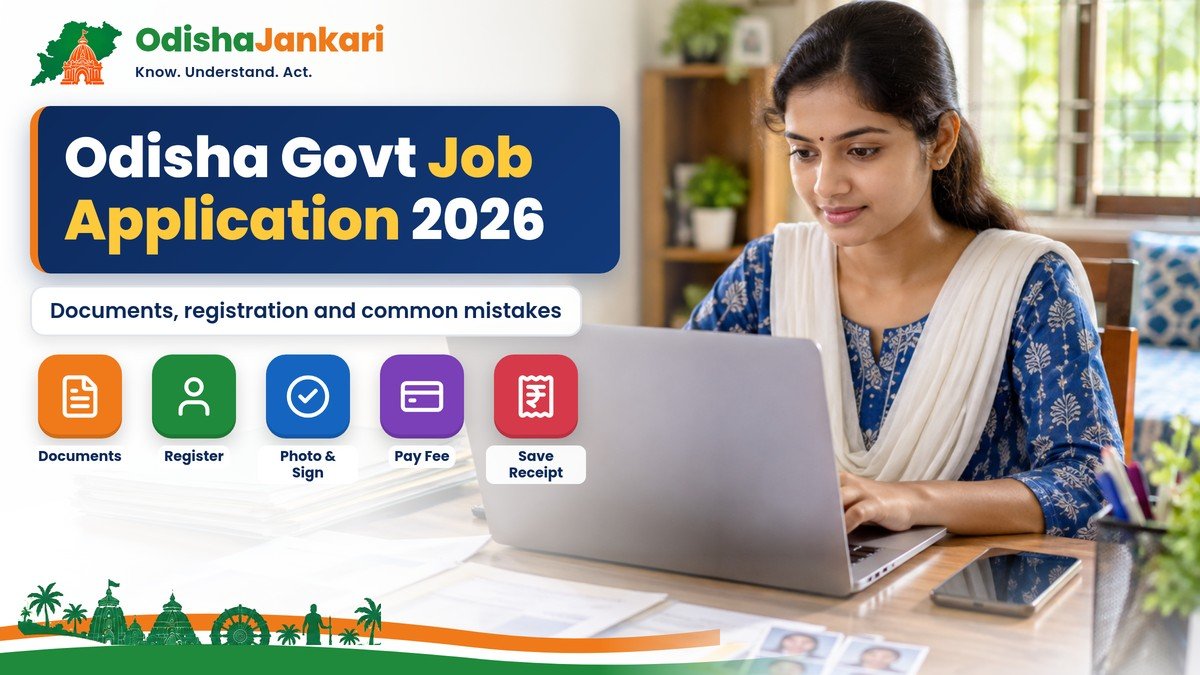
An Odisha government job application in 2026 requires careful registration, accurate documents, and timely payment. However, the exact cost can vary based on the recruiting authority, recruitment notification, post, etc. Major authorities such as OPSC, OSSC and OSSSC publish their own advertisements, instructions and process.
Therefore, candidates must check the official notification before applying online for any Odisha government job application. In addition, the applicants must keep their education certificates, signature, photograph, and identification details ready. A careful approach helps to avoid rejection and delays.
Quick Answer
- Find the recruiting authority first: OPSC (opsc.gov.in), OSSC (ossc.gov.in), OSSSC (osssc.gov.in) or the department named in the advertisement.
- Read the full advertisement: post, vacancies, qualification, age limit, category rules, dates and fee.
- Keep ready: recent photo, scanned signature, mark sheets and certificates, ID details, and category/PwD/ex-serviceman certificates if they apply.
- Register, pay the fee (if any) and fill the form in the order the portal shows, upload files in the stated format and size, and submit. On OSSC and OSSSC the fee is paid before the form.
- Save the application number, acknowledgement and payment receipt as PDF.
Documents Checklist
Before you apply for an online Odisha government job application, you must prepare the documents mentioned in the recruitment notifications. The applicants may need:
- Recent passport-size photograph
- Scanned signature
- Educational certificate and mark sheets
- Date of birth
- Valid identity details
- Disability (PwD) certificate, caste certificate
- Ex-serviceman or other special category documents
- Relevant experience certificate
Most importantly, don’t assume that these document lists apply to every recruitment. Always read the latest advertisement and its requirements.
Need a category certificate first? See our guides to the Odisha caste certificate, OBC certificate and EWS certificate; apply early, as each has its own processing time.
Applicant Profile and Registration
Creating or accessing your candidate profile is the first significant step. Before applying for a particular position, you might need to register or re-register, depending on the recruiting authorities.
For OTPs, alerts, admission letters, and other crucial messages, recruitment authorities may use your current mobile number and email address. So use your own mobile number and email address, and keep both active throughout the hiring process.
Next, carefully enter your personal information. Verify your name, birthdate, contact details, and other information with your official records. Additionally, don’t share your password or registered contact information with anybody else, and keep your login credentials safe.
Read the Notification First
Read the full recruitment announcement on the recruiting authority’s official website before clicking the application link. You can avoid multiple errors by doing this step. Check the job title, number of openings, educational criteria, age restriction, and category requirements first. Next, verify the start and end dates of the application. Examine the exam fee, fee exemption guidelines, selection procedures, and document requirements as well. Additionally, read the guidelines about certificates, signatures, and photos. Some authorities also suggest certain file formats and size restrictions.
Application Workflow
Once you confirm eligibility, start the online application. However, this is the basic process:
- Visit the official recruitment site and open the advertisement.
- Register and log in to the applicant account.
- Select the post and recruitment.
- Enter all the personal and educational details.
- Upload the necessary photograph, signature, and documents.
- Review the information carefully.
- Pay the exam fee (if it applies) and submit the application. The order of these steps depends on the portal; see the note below.
- Save the application number for future use.
Note for OSSC and OSSSC: On these portals the fee comes before the form. After you provide your document details, you pay online; only after a successful payment does the “Apply Now” link appear. Then you fill the form and click “Submit Application”. OSSC’s instructions say SC, ST and PwD candidates (40% or more disability) do not pay the fee.
Photo, Signature and Documents
A crucial step in the Odisha government job application procedure 2026 is uploading the appropriate files. First, see if the notification requests JPG, JPEG, PNG, or another file type. Check the allowed file size after that. Next, confirm that your face is clearly visible in the photo and that your signature is still readable. Additionally, the instructions mention that documents that are unclear may be rejected.
Fee Payment and Confirmation
Exam fees are required for some Odisha recruitment applications 2026, but depending on the relevant regulations and announcement, certain groups might be exempt. Additionally, the recruiting announcement and relevant government regulations might change the fee amounts and exemptions. You must keep the payment reference or transaction number that the portal gives you after you’ve made the payment.
Save Your Receipt
Save the final application page, acknowledgment, registration number, and payment receipt once the form has been submitted. You must download the application in PDF format so that you can take a printout. It helps you when you download an admission certificate, check the status of an application, or for document verification.
Therefore, after submitting, do not immediately close the browser. Verify that your application has made it to the final submission stage first, then save the relevant documents.
After you apply, our guide on the Odisha government job admit card and result explains the next stages.
Common Mistakes That Lead to Rejection
Applicants can avoid multiple errors by checking the form before submission. The common mistakes are:
- Giving incorrect personal information
- Providing incorrect educational details
- Choosing the wrong category
- Uploading unclear photographs and signature, documents
- Using the wrong format or size of the documents
- Forgetting to fill the mandatory fields
- Failing to pay the examination fee
- Missing the application deadline
- Choosing a category without having relevant proof
- Mismatch of details in the documents
- Submitting incomplete applications
To avoid these, double-check the application before submission.
Final Checklist
Before you submit the Odisha government job application, review the quick checklist:
- You must check the latest recruitment advertisement
- Confirm the eligibility
- The details submitted are accurate and valid
- Educational details and documents should be accurate
- Photographs must match, and the signature must be clear
- The applicable fee payment should be made
- Check the final application before submission
- Save the registration number and acknowledgement receipts for status check
- Keep checking the official recruitment website for any further notice
Looking for openings? See our Odisha government jobs 2026 guide and the latest OSSSC recruitment page.
Official Links and Helplines
| Commission | Official website | Help (from the website) |
| OPSC | opsc.gov.in | Administrative: 0671-2305611; Technical: 0671-2304707, 2304141 (10 AM–5.30 PM, office days) |
| OSSC | ossc.gov.in | Technical: 0674-2394466 (10 AM–5.30 PM, office days) |
| OSSSC | osssc.gov.in | Technical: 0674-2597149; Administrative: 0674-2597106 |
Disclaimer: OdishaJankari is an independent information website and is not affiliated with the Government of Odisha or any recruitment commission. Information is based on official sources available in November 2026. Rules, amounts and dates can change, so always confirm on the official website before applying.
Department: Odisha Public Service Commission / Odisha Staff Selection Commission / Odisha Subordinate Staff Selection Commission
Official Portal: OPSC, OSSC and OSSSC official websites
Information Verified: 2 November 2026
Frequently Asked Questions (FAQs)
First, use the official recruitment announcement to determine the recruiting authority. Next, go to its official website, look at the advertisement, and click the application link.
The recruiting authority determines the specific paperwork. Candidates often need a recent photo, a signature, a valid ID, mark sheets, and certificates of schooling.
The number of fields, documents, and the recruiting portal all affect how long it takes to finish an online application. After submission, however, the hiring procedure proceeds according to the relevant authority.
First, verify the status of your application and your login information on the official recruitment portal. Next, confirm that you have finished the final submission and, if necessary, the payment. Before submitting another application, review the most recent notification or technical-support information from the recruitment authority if the issue continues.
Use the contact information listed on the official website. For example, OSSC includes distinct administrative and technical contact details, but OPSC offers administrative and technical assistance contacts on its official portal.

Not sure which Odisha service you need?
Ask OdishaJankari: Describe your land record, certificate, scheme, or grievance issue.
🔒 Powered by verified OdishaJankari guidelines & official government notifications. No personal data collected.
Related Guides & Services
 Jobs & Careers
Odisha Government Job Document Verification 2026: Documents, Process and Common Mistakes
Called for document verification for an OSSSC, OSSC or OPSC post? Here is what to carry, how originals…
 Jobs & Careers
Odisha Government Job Admit Card and Result 2026: How to Check and Download
Where to download your Odisha government job admit card and check your result in 2026: OPSC, OSSC and…