

Introduction
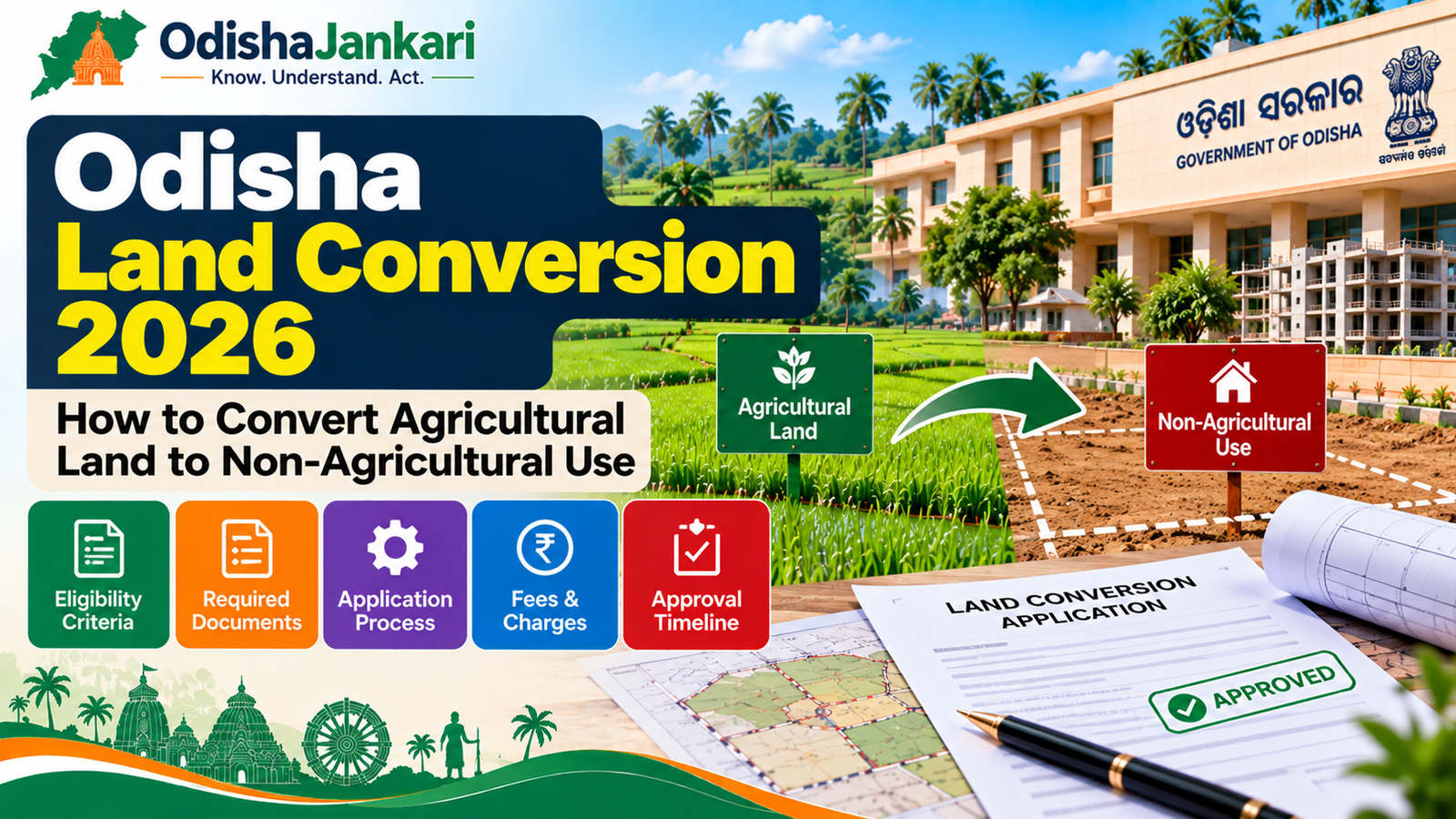
When you are a land owner in Odisha and you want to construct a house, a shop or any permanent structure, you cannot just start constructing. First, the land classification (also called ‘Kisam’) will have to be changed from agricultural land to non-agricultural land. This process of Odisha land Conversion can be applied for through an online process using the Odisha Land Conversion online portal. This article explains what that means, when you will need this, what documents you will have to keep ready, and how to apply online & track the application online.
1. What is land conversion?
Land conversion refers to the process of converting the land use recorded in a plot from agricultural (including paddy, orchard and others) to non-agricultural (residential, commercial or industrial). Thus, in revenue records, this means there is a change to Kisam, the land-type entry in your Khatiyan and Record of Rights (RoR).
A change in ownership (through a sale deed or mutation) does not change the Kisam; only a conversion order under section 8(A), followed by the Revenue Inspector who updates the Khatiyan, does. Until then, the land continues to be considered “agricultural” in the eyes of the law, even though you’ve already constructed it.
2. When conversion may be required
You will require an Odisha land Conversion order if you intend to:
- You intend to construct a residential house on land that is currently recorded as agricultural
- Construct a shop, office or commercial structure
- Obtain building plan sanctioning from a Municipality, BDA, CDA or other development authority
- Apply for a home loan (banks generally seek converted, non-agricultural land for security)
- Utilise the land for an industrial unit or other institutions like a school, hospital, etc.
Bypassing this conversion process and construction anyway can attract penalties; thus, a stop-work order or the structure will get pushed into the regularisation process in the future.
3. Eligibility and land-use considerations
Similarly, the following types of land used under the Odisha Land Reforms Act are generally eligible for conversion:
| Class | Description |
| Class I | Irrigated land with two or more crops a year |
| Class II | Irrigated land with not more than one crop a year |
| Class III | Non-irrigated land, paddy fields, tanks, coconut gardens, orchards (except banana orchards) |
Moreover, the approval of the conversion order depends on you not having any conflict with an existing Master Plan, Development Plan, Improvement Scheme or Town Planning scheme for the area. If the land is inside the notified limits of a development authority (like BDA or CDA), that authority’s land-use rules shall be added on top of the Odisha Land Reforms Act.
Note: Land carved out and approved under an official town-planning, development, or land-pooling scheme doesn’t require a separate written conversion order, but the conversion fee still applies.
4. Documents
Similarly, keep scans (PDF/JPG) of the following documents ready before you start applying:
- RoR / Patta of the land showing the land is mutated in your name
- Latest rent (Khajana) receipt indicating no dues are pending
- Government ID proof (Aadhaar card, Voter ID or PAN)
- A trace map or sketch of the plot, clearly showing the approach road
- A recent passport-size photograph of the applicant
- Sanctioned building plan and layout drawing, where the intended use requires one
5. Application process
The 2026 land conversion process can be completed through the Odisha online revenue portal:
- First, visit odisharevenueservices.nic.in and register/log in.
- Next, under ‘Land Record Services’, select the option ‘Apply for Conversion of Agriculture Land U/s 8(A) of OLR Act’.
- Then, fill in your details: name, father’s/husband’s name, address, a valid PIN and working mobile number (thus, you’ll receive SMS on this number) and the land details: Tahasil, village /mouza,
- Khata number, plot number, area of land to be converted.
- After that, enter the location of the land and the date from which the land is being used (or will be used) for non-agricultural purposes.
- Then, complete the form, and you will receive an Application Number (please save this number; this will be your reference when you need to contact the Tahasil regarding the status of your case)
- Then, make a payment for the application processing fee using net banking/debit/credit card on the Treasury Portal of Odisha.
- After that, your case will be taken up by the Tahasildar, who will validate your documents and institute the case. The Revenue Inspector will then carry out a field enquiry to verify the physical condition of the land and approach road, and a public notice will also be issued asking for objections.
- If the Tahasildar (or Sub-Collector for large parcels) sanctions the conversion, you will be issued a demand notice for the conversion premium via SMS.
- Finally, pay the conversion premium online via the portal. Once payment is verified, the updated RoR reflecting the new Kisam is issued.
6. Fees and timelines to verify
Conversion fees are calculated per acre and vary based on the land’s location, inside a municipality, near a highway, in a notified urban area, or otherwise. The rates/ slabs for different locations were fixed earlier through a Government notification (last revised in 2017), with different slabs for land within a municipality, land adjoining a highway, land within a notified urban area, and others, or a percentage of the market value where no specific slab is prescribed.
As these rates are updated from time to time, do not state a fixed number; check the prevailing applicable fee and the time taken in your Tahasildar’s office before you or your reader states a number. Thus, inquire with your Tahasildar’s office directly or the latest notification on revenue.odisha.gov.in.
7. Status check
- Thus, on the same portal, you can check the Application status or Application details by entering the Application Number.
- After that, when the Tahasildar institutes the case, you can also track the progress on the DWIST portal (dwistodisha.nic.in).
- In case of any query raised by the department on your application, you will receive an SMS/ email, and the status on the portal will change to ‘Query Raised ‘. You can reply and upload documents from the portal.
8. Delay/rejection reasons
Reasons applications are delayed or rejected:
- Land rent (Khajana) dues are unpaid or not submitted
- RoR/Patta has not yet been mutated in the name of the applicant
- Approach road has not been surveyed or does not exist or does not match the trace map
- Conversion conflict with Master Plan/Town Planning/Development Authority’s land use regulations
- Objections were made during public notice period
- Response to department query was not provided within the time frame
9. After approval
Following approval and payment of premium, the Revenue Inspector will update the Khatiyan & RoR entries to show the updated Kisam (typically called ‘Gharabari’ for residential use). This will be the document you will need for:
- Building plan approval from your municipality, BDA or CDA
- Home loan application
- Future sale or mutation of property
You may also wish to cross-check your Bhulekh / RoR entry again some weeks after approval since record updates lag behind the order itself.
Department: Revenue & Disaster Management Department, Government of Odisha
Official Portal: Odisha Revenue Services
Information Verified: 21 September 2026
Frequently Asked Questions (FAQs)
It is the legal process of converting land from agricultural to non-agricultural use under Section 8(A) of the OLR Act, 1960, that must be pre-approved by the Tahasildar or Sub-Collector.
Use Odisha online services to submit an application and to check the progress. Once your case has been instituted, you can check it on the DWIST portal.
RoR/Patta, latest rent receipt, ID proof, a trace map with the approach road, a passport photo, and (where applicable) a sanctioned building plan.
It varies by district and caseload; there's no fixed number. Make sure to check with the Tahasil office for the current numbers.
First, check your Application Number status in the portal. If not updated and RoR continues to show the previous Kisam after approval, follow up with the Tahasildar's office.
Your local Tahasil is the right touch point for all land-related issues; however, you can also file a grievance under the Odisha Right to Public Services (ORTPS) grievance redress mechanism in case a notified service is not provided within the prescribed number of days.

Not sure which Odisha service you need?
Ask OdishaJankari: Describe your land record, certificate, scheme, or grievance issue.
🔒 Powered by verified OdishaJankari guidelines & official government notifications. No personal data collected.
Related Guides & Services
 Land & Property
Odisha RoR 2026: How to Check Record of Rights, Khatiyan, Plot and Tenant Details
Odisha land records verification is an important aspect that needs to be done before acquiring any property, availing…
 Land & Property
Odisha Land Record Owner Name Search 2026: How to Check Landowner Details
Introduction You know the village. You may even know the person. What you are lacking is the Khatiyan…